Is there a curling app for Apple Watch?
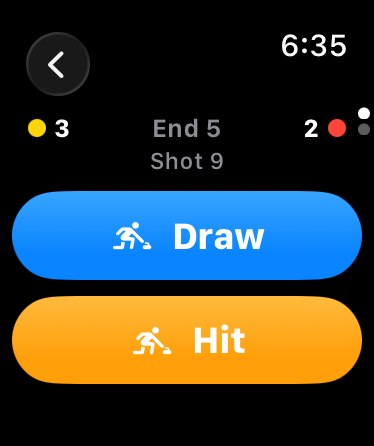
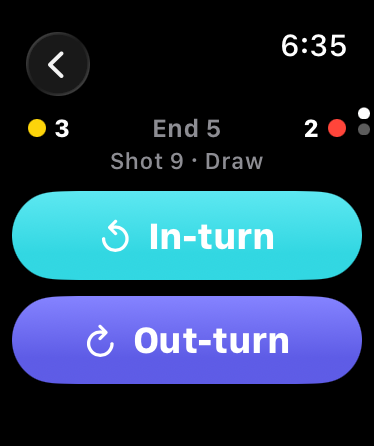
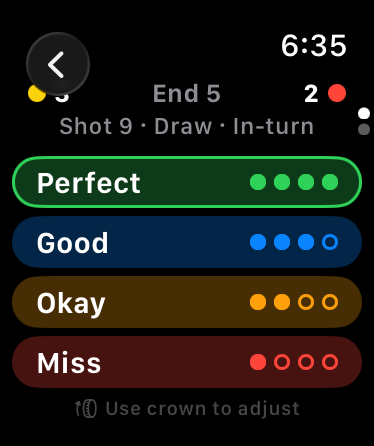
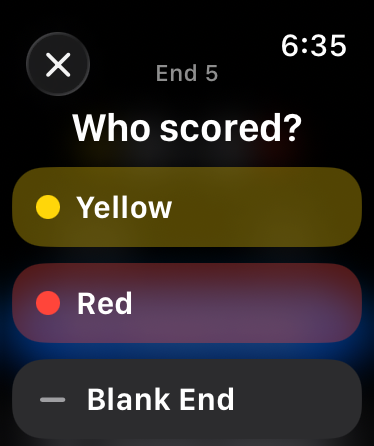
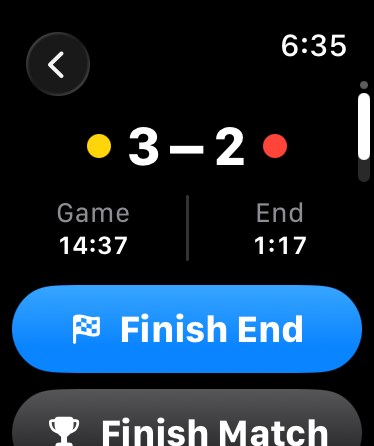
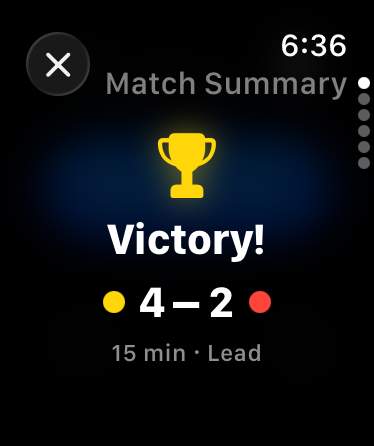
hogline is one. You track the game on the watch in three taps a stone, and the iPhone and iPad app shows it live, then keeps your whole season.
Is there a hogline app for iPhone and iPad?
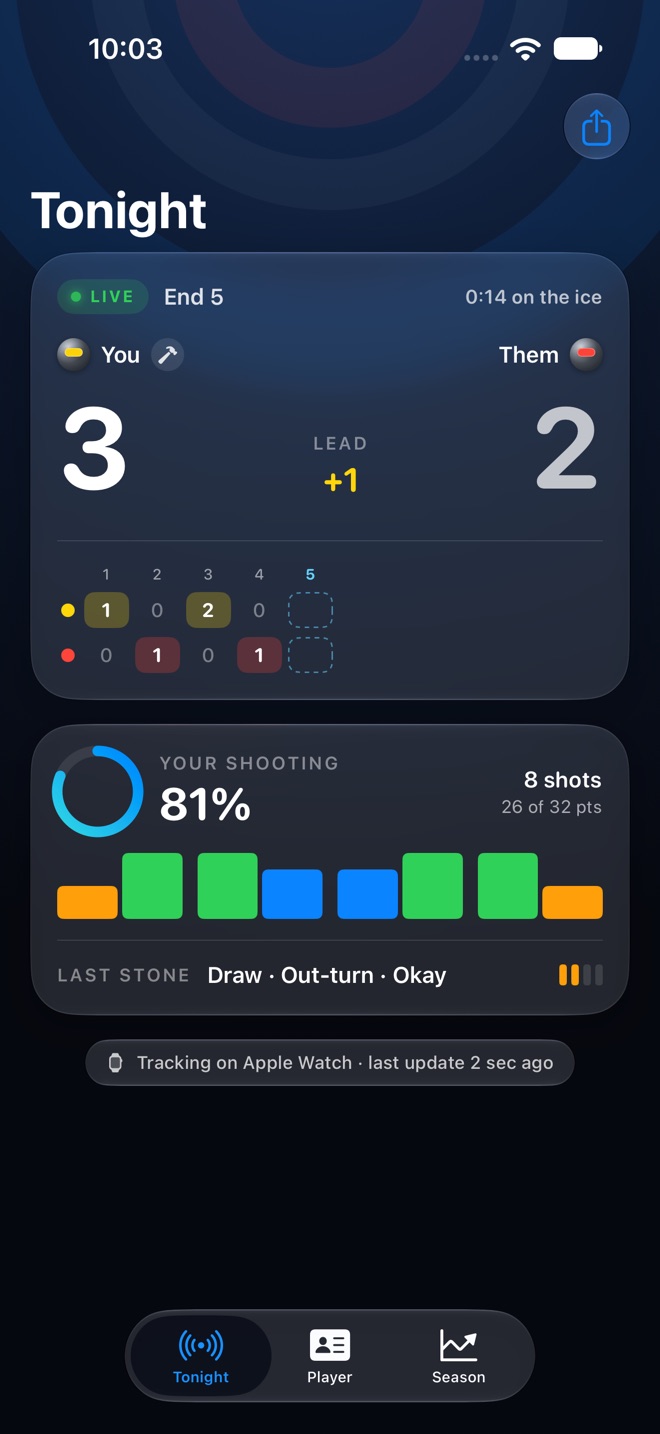
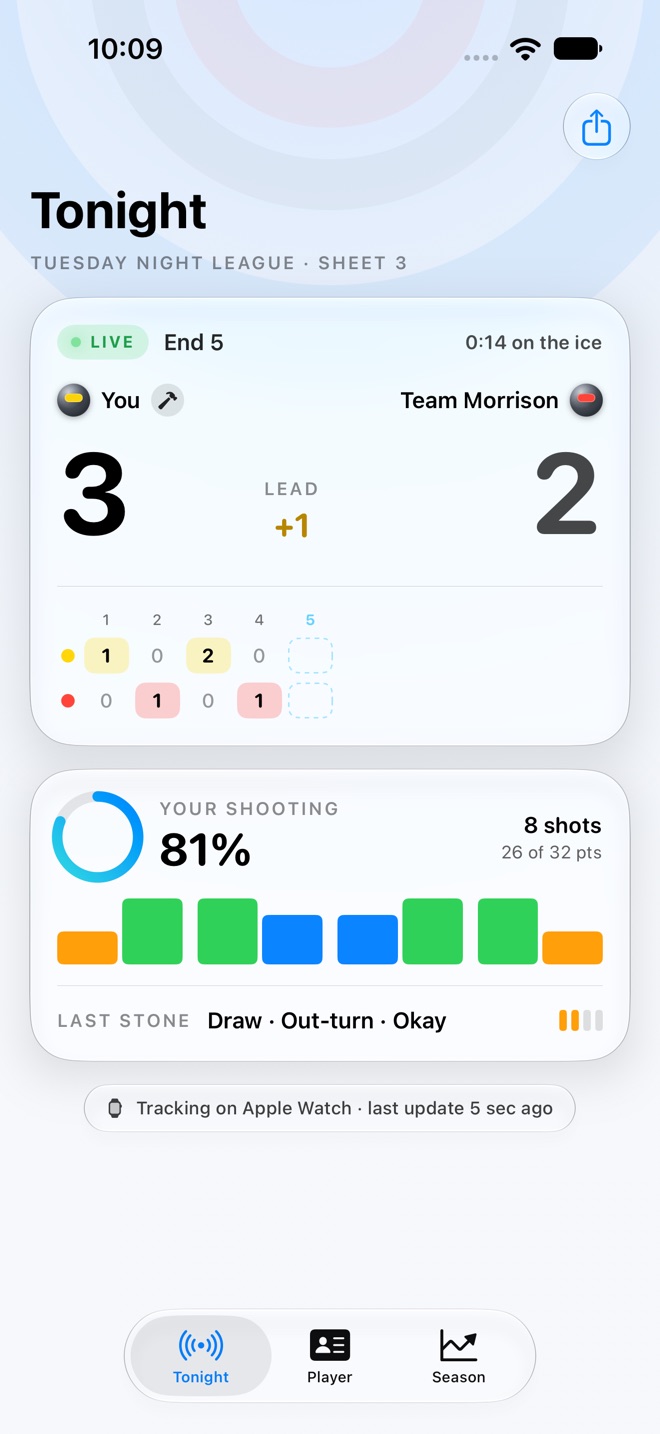
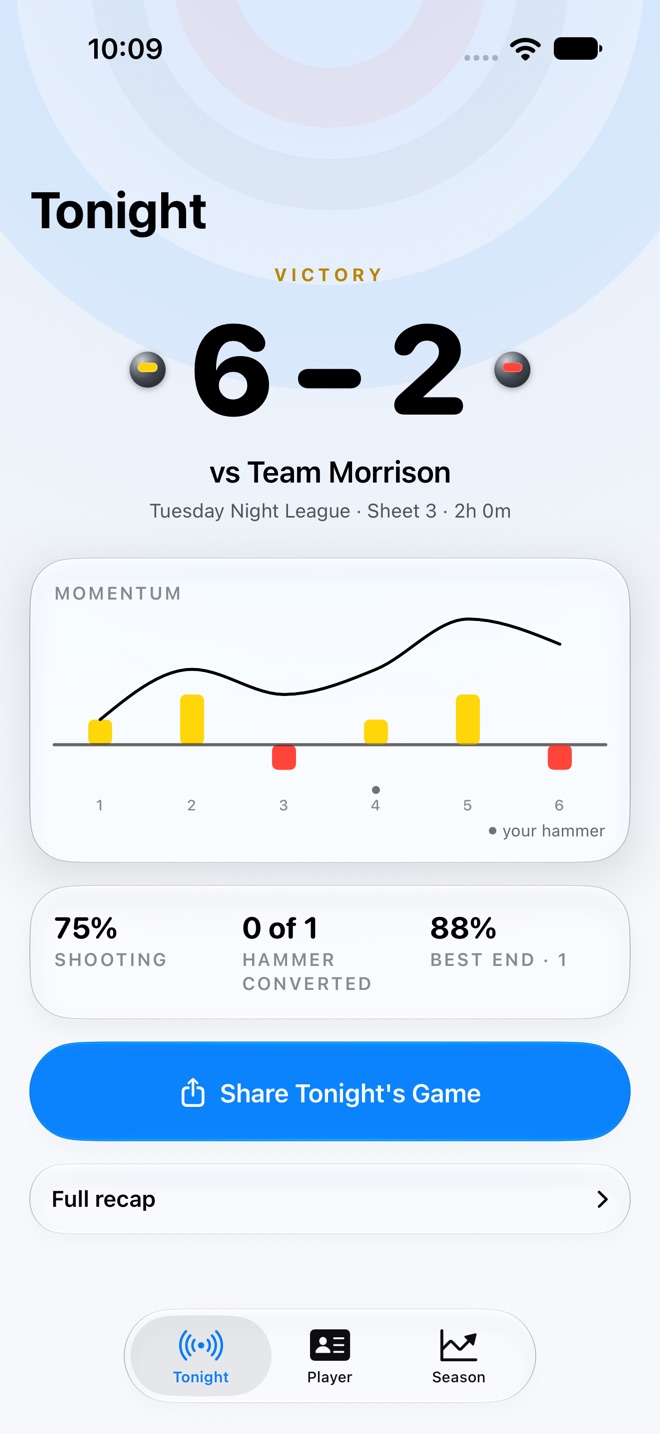
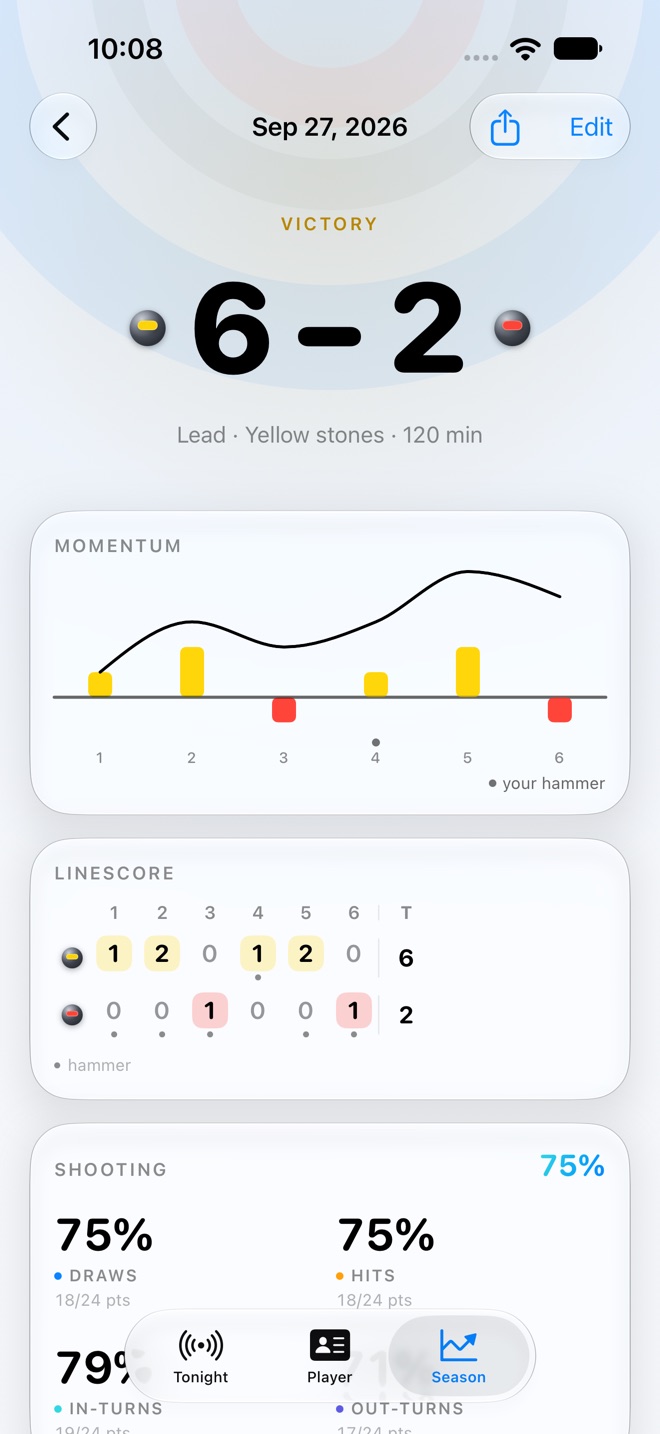
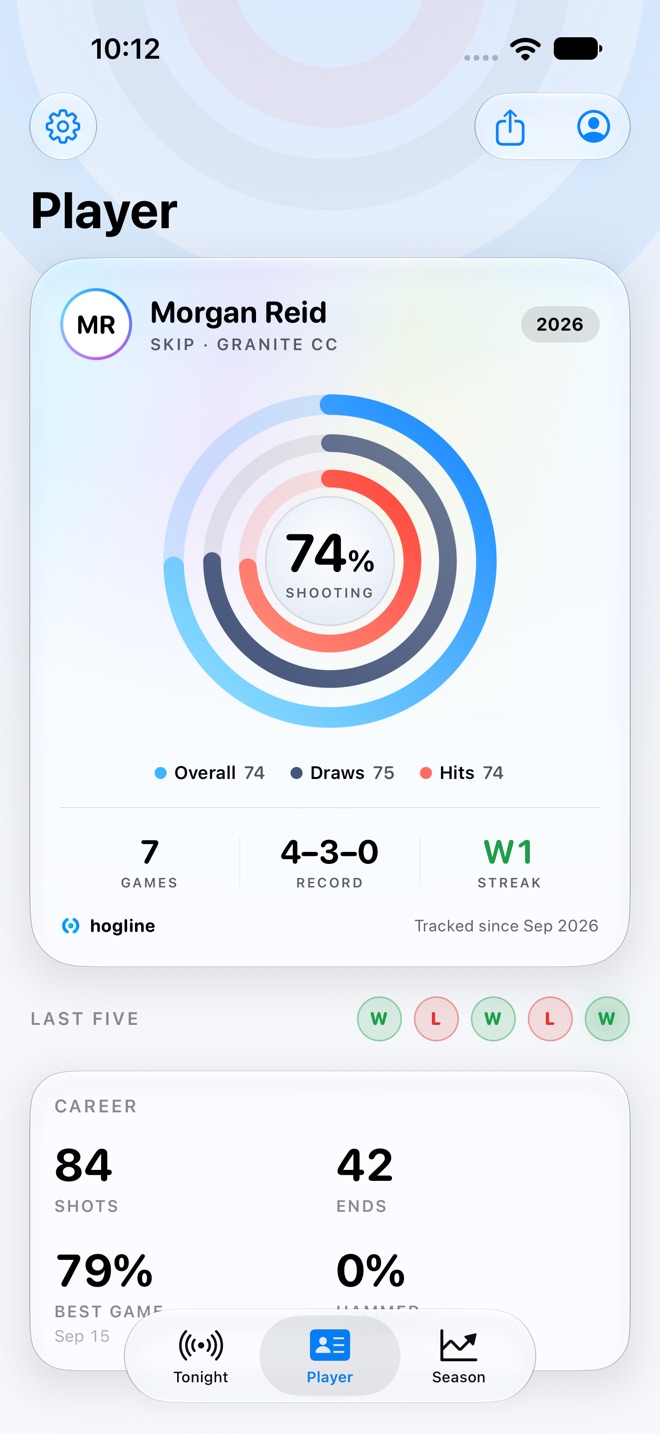
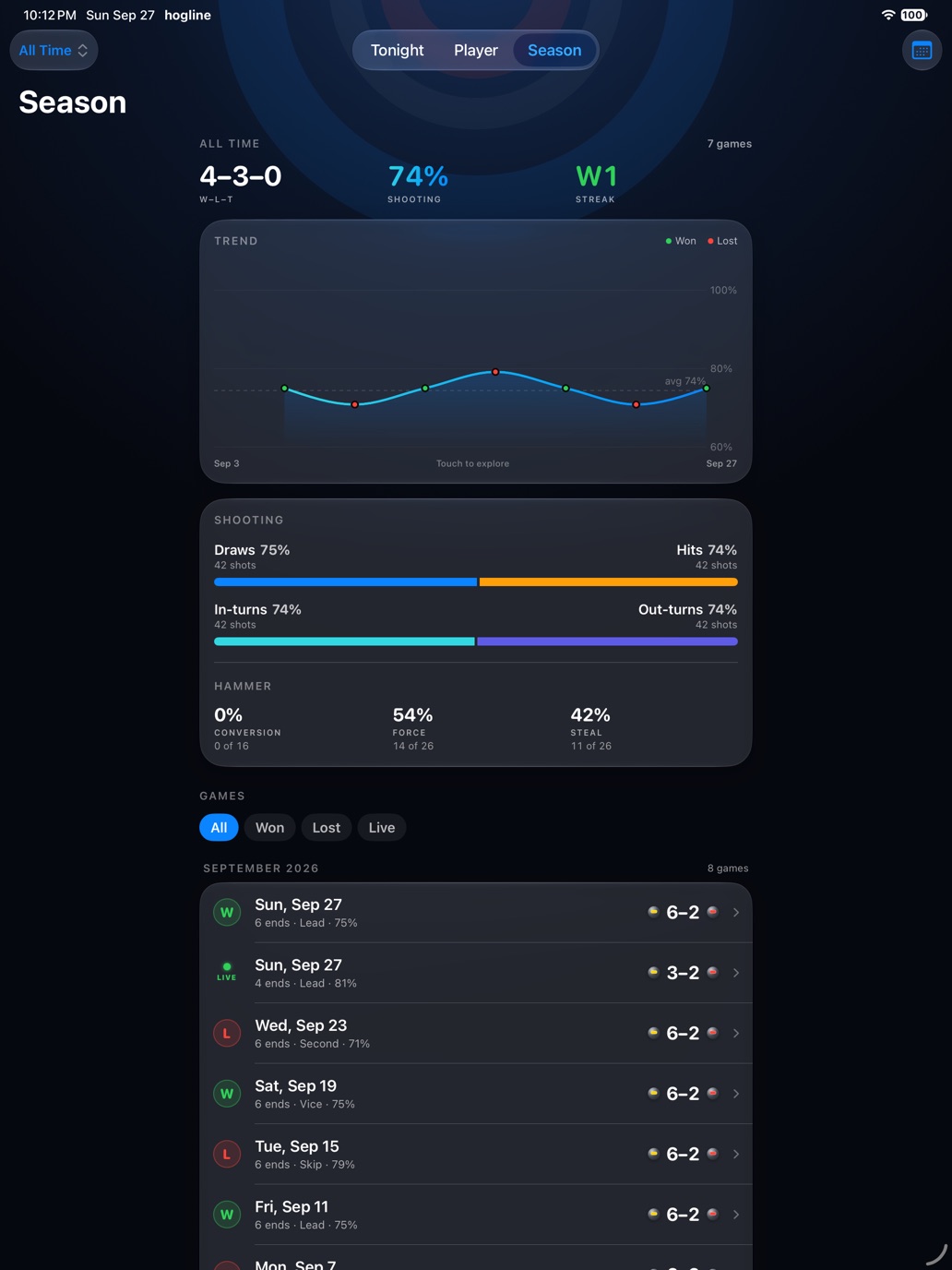
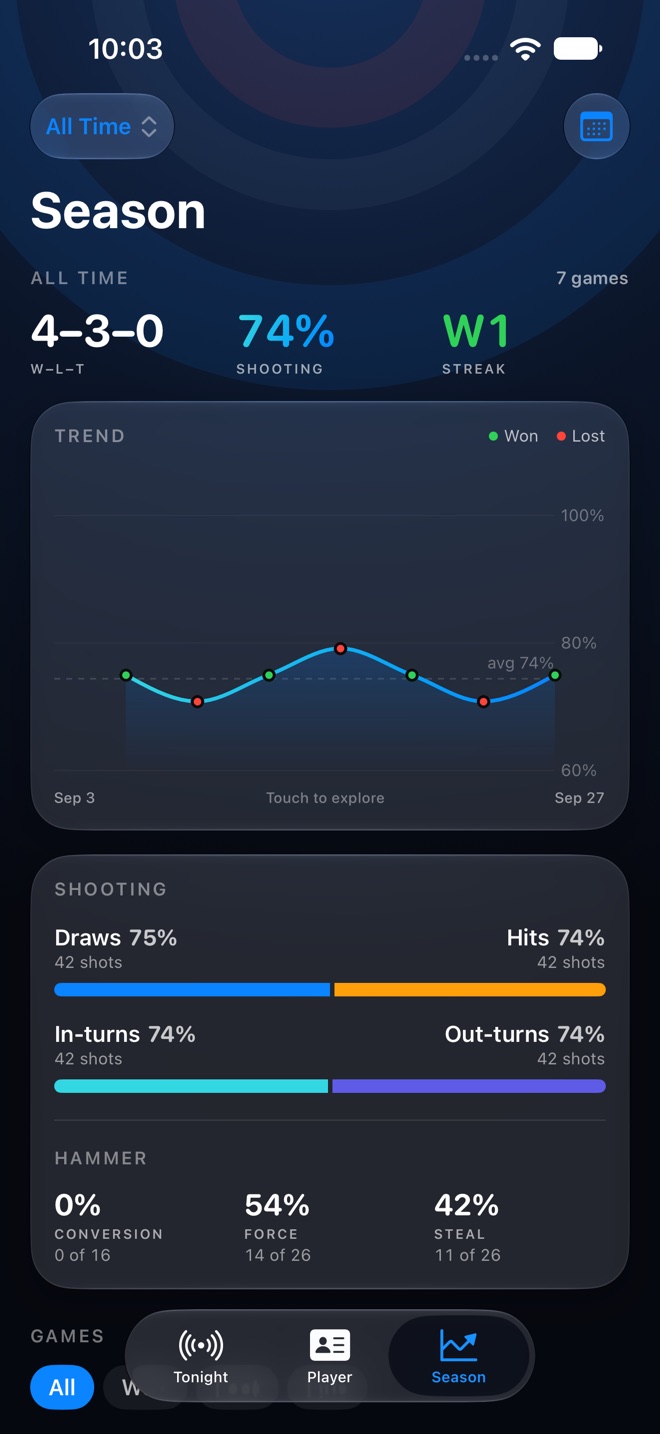
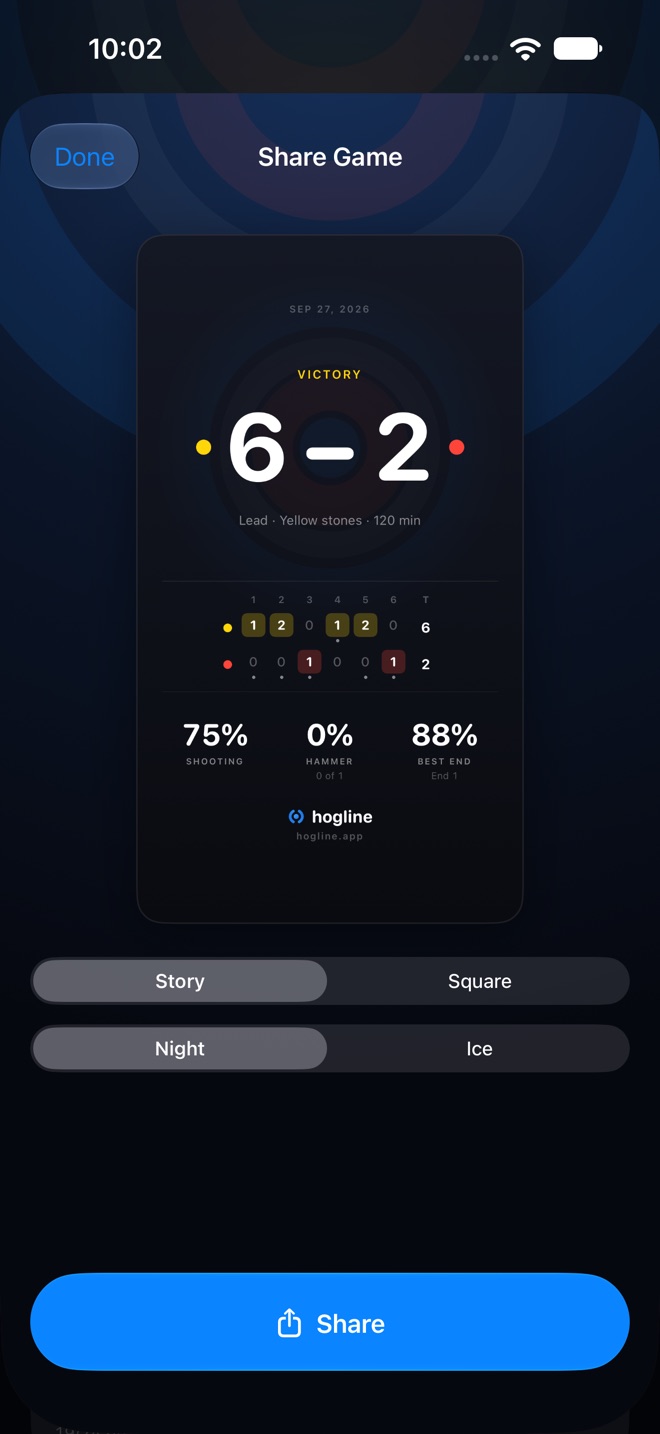
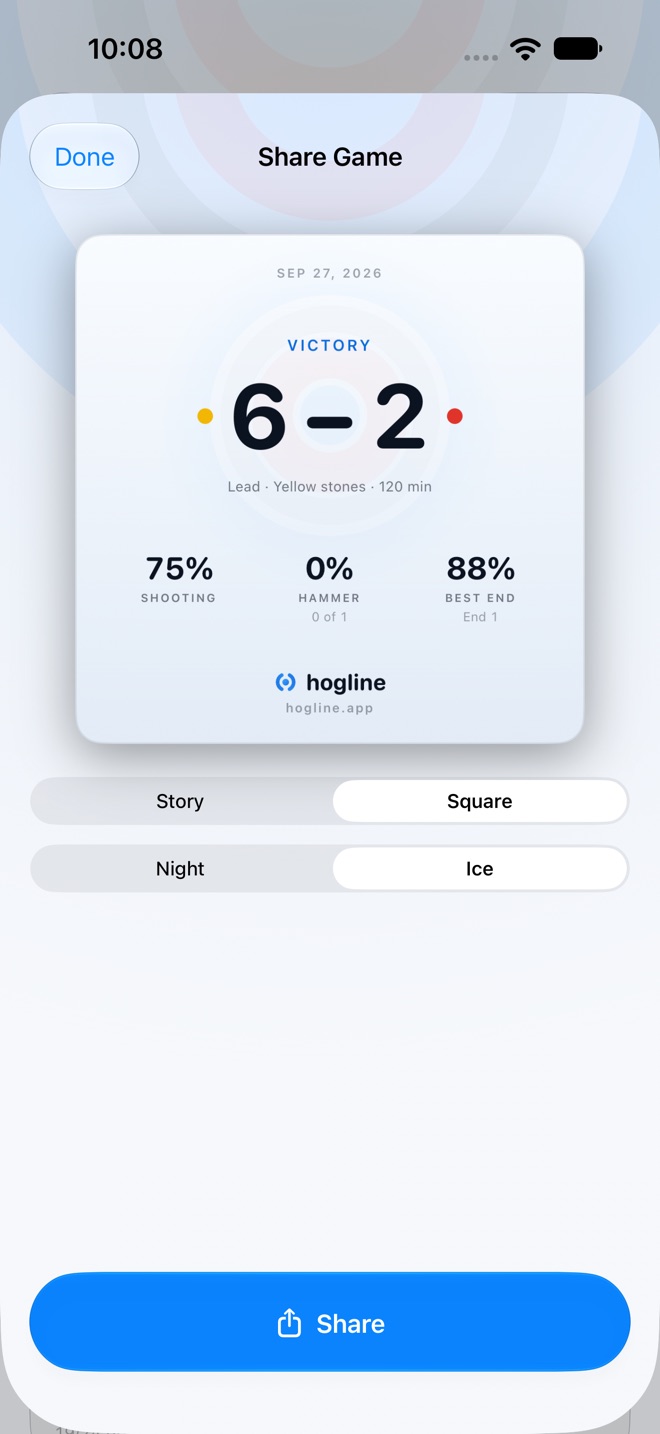
Yes. hogline 2.0 adds an iPhone and iPad app: the game live while you play, the full recap afterwards, your player card, your seasons and leagues, and share cards for a story or a feed.
Can I track a game on my iPhone?
No. Games are tracked on Apple Watch, where three taps fit between shots. Everything after that, from the live score to your season stats, is on iPhone and iPad.
How do my games get to my iPhone?
Turn on iCloud Sync in both apps: in Settings on the watch, and on the iPhone on the welcome screen or under Player, then Settings. Relaunch each app once and your games appear on your iPhone as you play.
Do I need my iPhone with me on the ice?
No. The watch app runs on its own and every feature works with zero signal, so the phone can stay in the locker room. Your games reach it when you are back online.
What curling stats does hogline track?
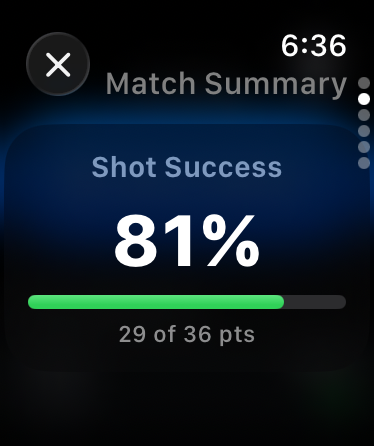
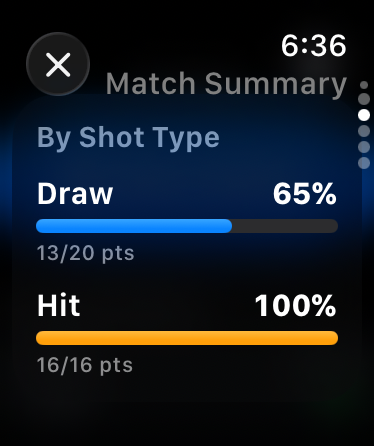
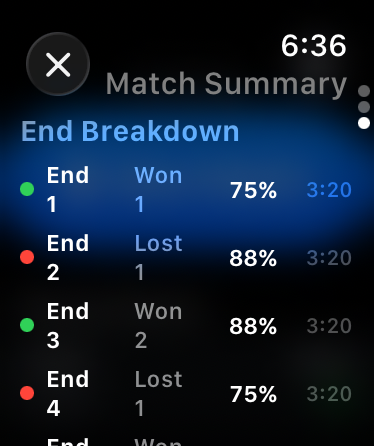
Shot success scored in points, split by draw versus hit and in-turn versus out-turn, hammer conversion, forces and steals, your best end and an end-by-end breakdown. On iPhone, the same numbers for a whole season or a single league.
Does hogline have a Smart Stack widget?
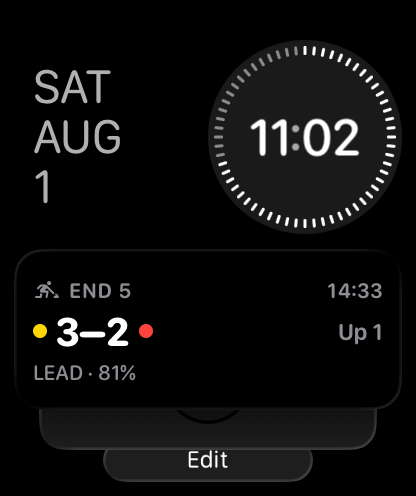
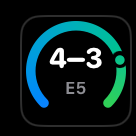
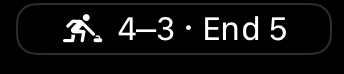
Yes. While a match is live, the hogline card shows the end, the running game clock, the score and your shooting percentage, and one tap drops you back on the shot you were about to throw. Between matches it shows your last result. The same widget fits all four watch face complication slots: rectangular, circular, corner and inline.
The hogline widget isn't in my Smart Stack. How do I add it?
Press the Digital Crown to reach your watch face, then turn the crown up to open the Smart Stack. Scroll to the bottom and tap Edit Stack, tap the + button, then find hogline and tap Match to add it. If hogline is not in that list, open the app on your watch once after updating so watchOS registers the widget. On watchOS 11 or later the card also surfaces on its own while a match is running.
How do I pin the hogline widget to the top of the Smart Stack?
Open the Smart Stack, turn the Digital Crown until you see the hogline card, then touch and hold it and tap the yellow pin. Pinned widgets stay at the top of the stack no matter what watchOS thinks is relevant. Touch and hold and tap the pin again to unpin it.
How much does hogline cost?
$4.99 once, for the watch, iPhone and iPad apps together. No subscription, no pro tier, no ads, and every future update is included.
Which devices does hogline run on?
Any Apple Watch with watchOS 10 or later tracks games. The iPhone and iPad app needs iOS 18 or iPadOS 18 or later.
Where can I download hogline?
hogline is on the App Store in the United States and Canada. Email support@hogline.app if you want it in your country.
Do my games survive a new watch or iPhone?
Turn on iCloud Sync and your games live in your own iCloud. Sign in on the new device and the whole season is waiting. Your settings come along too.
Does hogline collect my data?
No. There are no hogline servers, no accounts, no ads, and no tracking, and it never asks for Health or location access.